Type it. Approve it.
Post it.
OmniReel Studio opens in your browser. You describe the video and approve each step. Your AI agent does the production on your own computer: script, look, voice, animation, quality checks.
Runs on Mac and Windows. Works with Claude Code, Codex or Gemini CLI.
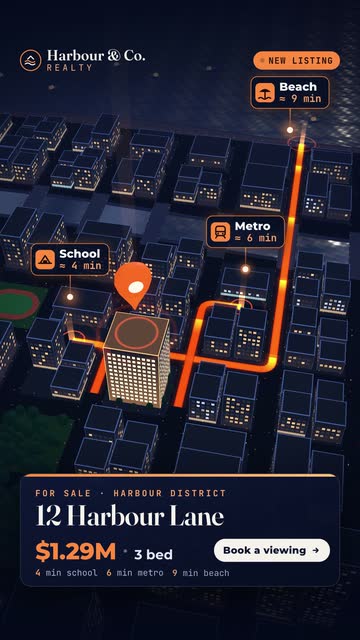 Suburb flyover3D night city
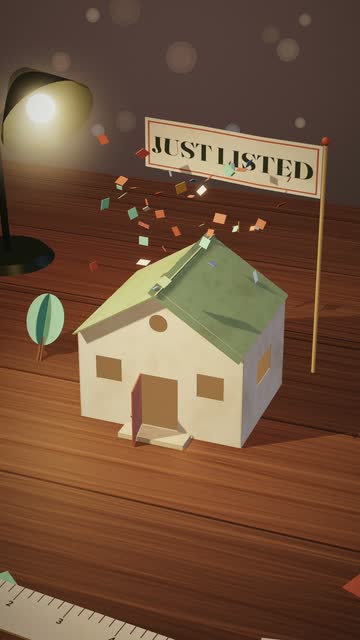 Just listedOrigami 3D
 Prestige revealWatercolour
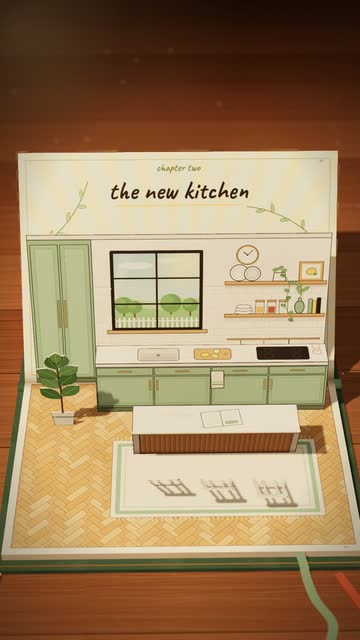 Reno revealPop-up book
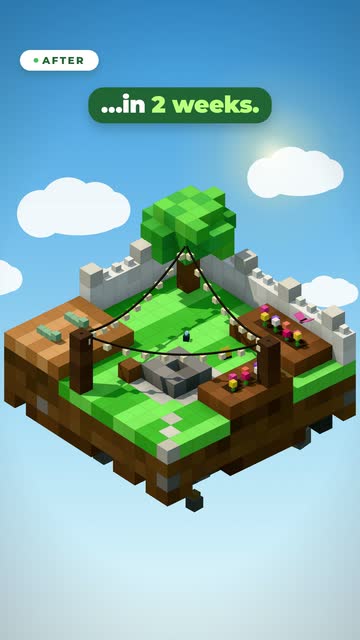 Outdoor livingVoxel 3D
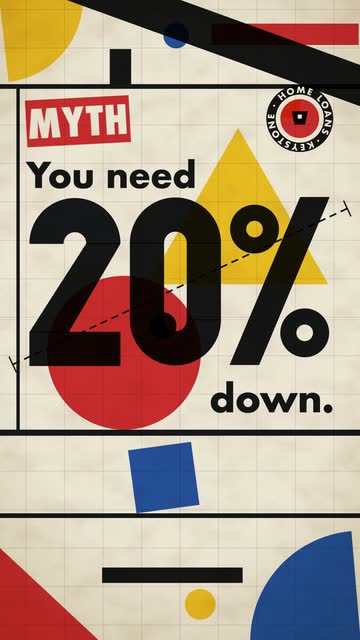 Buyer mythBauhaus
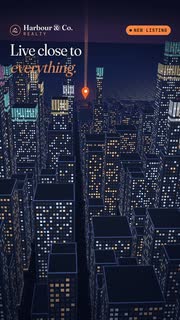
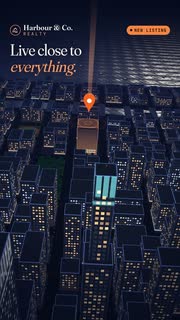

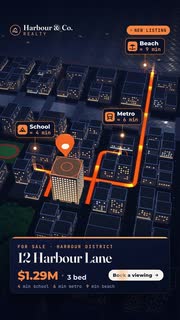
Three stages. You only do the fun parts.
Install with one sentence
Unzip OmniReel, open the folder with Claude Code or Codex and say “Read START-HERE.md and set everything up for me.” Your agent installs the tools, asks for your voice key, checks your computer and renders a test video.
Describe, then approve
Type what you want or pick a template. Your agent writes the script and a short preview, then waits for your OK. Leave a comment on any frame and press Fix: it changes exactly that.
Post everywhere
MP4 in 9:16 and 16:9, captions as a file, and a CapCut project with text, pictures and sound on their own tracks if you want to adjust by hand.
Nothing happens
without your OK.
Every video moves through clear steps: idea, script, storyboard, pictures, voice, preview, final video. You approve each one, or switch on 100% Auto and set a spending limit for paid steps like the voice-over.
- Asks before anything that costs money.
- Comments on a frame become precise fixes.
- Every render keeps a version you can go back to.
- Quality checks before you see it: text fits, nothing is cut off, loudness is right.
Out of every video.
9:16 MP4
TikTok, Reels, Shorts. Captions burned in.
16:9 MP4
YouTube, your website, presentations.
Captions
An .srt file for every platform that takes one.
CapCut project
Every layer editable, for last touches by hand.
How long does one video take?
You spend a few minutes: the brief and the approvals. The rendering time depends on your computer and the video’s length: a 30-second Short usually takes minutes on a recent Mac or PC, longer on an 8 GB machine.
Can I use my own photos and logo?
Yes. Drop them into the studio with the brief. Templates frame them with motion, maps and text, and your brand kit puts your logo, colours and end card on every video.
What if I don’t like the result?
Comment on the exact frame or line and press Fix. Your AI agent changes that part and renders a new version; the old one stays.
Does it work in other languages?
The studio and new projects are in English. Ask your agent for another language and it sets that project up with a matching voice.