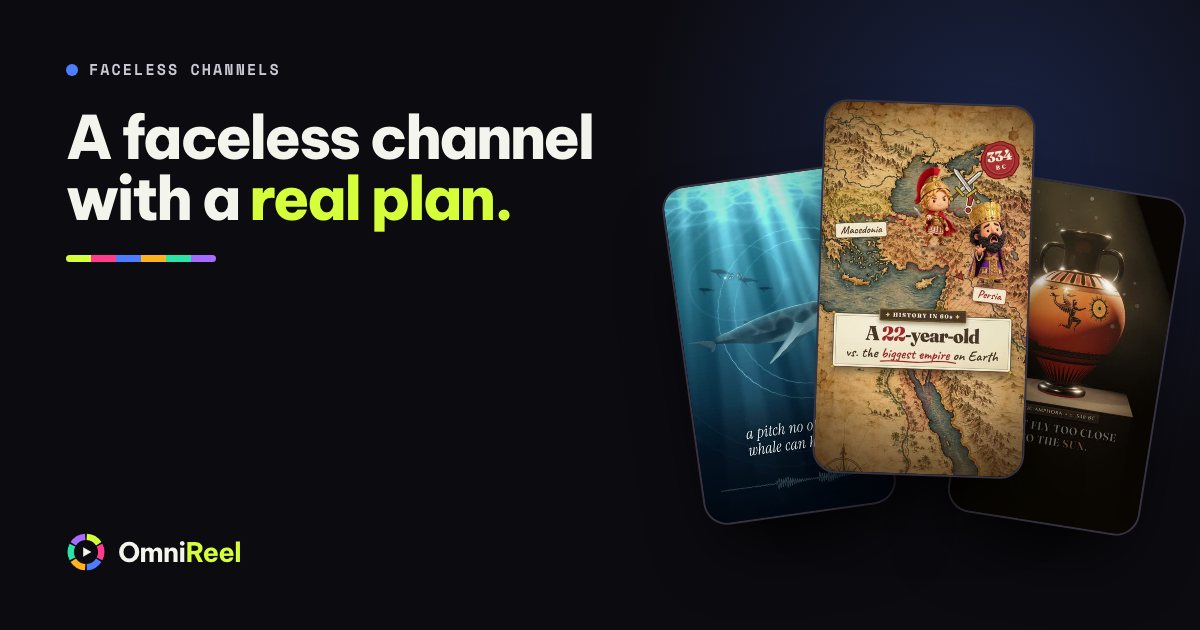
A faceless channel lets the pictures and the voice carry the video: maps, drawings, archive documents, diagrams and a narrator, with nobody on camera. A channel like that stays alive on a format you can make again next week. That is the part to plan first, before you pick a tool.
This is a plan for building that format with OmniReel and your AI agent. It promises nothing about views or income, because nobody can, and that includes us. It gives you a niche you can research, a series, one look and one voice, the YouTube rules to follow and your first ten videos.
Pick a niche you can research and keep going in
The niche decides everything after it, so test it before you fall for it. A good one passes all five:
- You can write down 30 specific episode questions today. A theme alone does not count.
- Every answer can be checked against sources you can link in the description.
- The facts will still be true in a year, or you are happy to update them.
- You can add something of your own: a comparison, a ranking, a verdict.
- You would still enjoy it at episode 30.
Be careful with advice. YouTube’s monetisation policies say a channel will not be allowed to monetise if it uses an AI-generated persona that presents itself as a human expert giving advice on health, legal issues, finances or politics. History, science, language and how-it-works explainers are not advice, and they come with a long supply of questions.
Make a series, not one-off videos
A series gives viewers a reason to come back and gives you a shape to repeat. Fix the shell: the look, the voice, the opening line, the length and the title pattern. Change the substance every time: the question, the research, the sources and the twist.
YouTube draws the same line. Its policies allow the same intro and outro, and a series where each video has its own storyline, focus or concept. They rule out channels whose videos feel interchangeable.
the question and the surprise in the answer.
One sentence on why anyone should care about your topic.
Each clue gets its own picture and its own source: clue one, clue two, clue three.
What most sources get wrong about your topic.
One sentence. Your verdict, not a summary.
The next episode’s question, in the same words every week.
For ways to open an episode, see the post on video hooks. In the studio, one sentence starts an episode:
Make a history-map video about the Great Emu War of 1932, about 5 minutes long, 16:9.
One look and one voice for the whole channel
A channel is recognised by its look before its name. Pick one template and one style, and keep them for the first ten videos. These templates suit a channel, and the templates page shows the rest:
| Template | Suits | What each episode looks like |
|---|---|---|
| History on the Map | History | Peg-doll chibis on an old map, a deadpan narrator and gags that land on the exact word. |
| Archival Documentary | Where familiar things come from | Rebuilt documents, archive photos, big numbers and timelines on a dark stage. |
| Science Cartoon | One “why” question | A hand-drawn world with a droplet mascot, simple diagrams and a closing recap. |
| You Think vs Actually | Myths and misconceptions | A split screen: the myth on the left, the truth on the right, a cross stamped on the myth. |
| Top X Ranking | Rankings and picks | A narrator drops items into a board of 3 to 10 slots, or an S to D tier list. |
| Paper Story explainer | Explainers | Puppets on notebook pages, page turns and a gag on cue, in 16:9. |
| Research Explainer | Research papers | One paper explained with formulas, diagrams and result charts on a clean slide. |
| Niche Explainer | One question from one trade | Four to six numbered points, with a mascot’s myth-to-fact notes. |
Pick one voice as well, so viewers learn it the way they learn a presenter’s face. OmniReel makes the voice-over through your own ElevenLabs account, at about 1,000 characters per minute of narration, and counts the characters before anything is charged. ElevenLabs’ help centre says its free plan has no commercial licence and its paid plans include one, so a channel that could earn should use a paid plan.
An AI presenter is possible on templates that offer one, such as the top-X ranking. It is an AI-generated person, never you, so label it as AI.
Shorts and long videos from the same research
Research once and publish twice. For each episode, gather ten facts and a source for each. The long video uses the best of them. A Short of about 45 seconds uses two or three and ends by pointing to the full story. YouTube says Shorts can run up to three minutes, so 45 seconds is a choice, not a limit.
OmniReel makes both shapes. Every art style renders in 9:16 for Shorts and in 16:9 for long videos, and you can ask for the vertical cut of a finished episode.
Stay original: what YouTube’s rules say
YouTube expects monetised content to be original. On 15 July 2025 it renamed its repetitious content policy “inauthentic content” and clarified that it covers mass-produced or repetitive content, which it says has always been ineligible for monetisation. The current wording is in the channel monetization policies. In short:
- Ruled out: channels whose videos feel interchangeable, slideshows and scrolling text with little narrative or teaching, and AI content made from generic templates with none of the creator’s own insight.
- Allowed: automated tools and templates, as long as each video shows your own creative vision and gives viewers something of value. YouTube’s examples include using AI to edit scripts or to make a background visual.
- Also covered: reused content. Content that only reads out text you did not write, such as a website or a news feed, is not eligible either.
So treat a template as the container, not the content. Each episode needs its own research, its own sources and a point of view. A quick test: if two of your videos could swap titles and nobody would notice, one of them is a template, not a video.
Tell viewers when AI made it look real
YouTube also asks you to disclose AI-generated or altered content that seems realistic. The setting is in the video details when you upload; YouTube Studio calls it Altered content or AI use. Say Yes when a video makes a real person appear to say or do something they did not, alters footage of a real event or place, or shows a realistic scene that never happened. You do not need to for clearly non-realistic content, such as a fully animated video, or for AI help with scripts, titles, thumbnails and captions.
YouTube’s page does not mention a stock narrator voice either way. If you are unsure, choose Yes: YouTube says disclosing on its own does not limit a video’s audience or its eligibility to earn, while creators who consistently skip it can be labelled by YouTube or penalised. An OmniReel AI presenter is realistic, so label it.
Your first ten videos
Make ten before you judge anything: four episodes of 4–6 minutes and six Shorts of about 45 seconds. Over 30 days that is roughly one episode a week, with a Short or two for each.
- Days 1–7: set up
Score your niche, fill in the series sheet, pick the look and the voice, and make episode one. Approve every step.
- Days 8–28: publish and repeat
Publish an episode a week and cut its Short from the same research. Start the next episode as soon as the last one is out.
- Days 29–30: publish and review
Publish the fourth episode and the sixth Short, then look at what YouTube Studio shows you.
After ten, check which titles and thumbnails got clicked and where viewers stopped watching. Change one thing at a time. Three videos tell you very little. Ten tell you whether this is a format you can keep making.
Ads come later. YouTube’s Partner Program sets an entry bar in subscribers and watch hours, or Shorts views, and reviews each channel against the policies above. Its overview page also announces changes from 1 February 2027, so read it when you get there.
Your next step
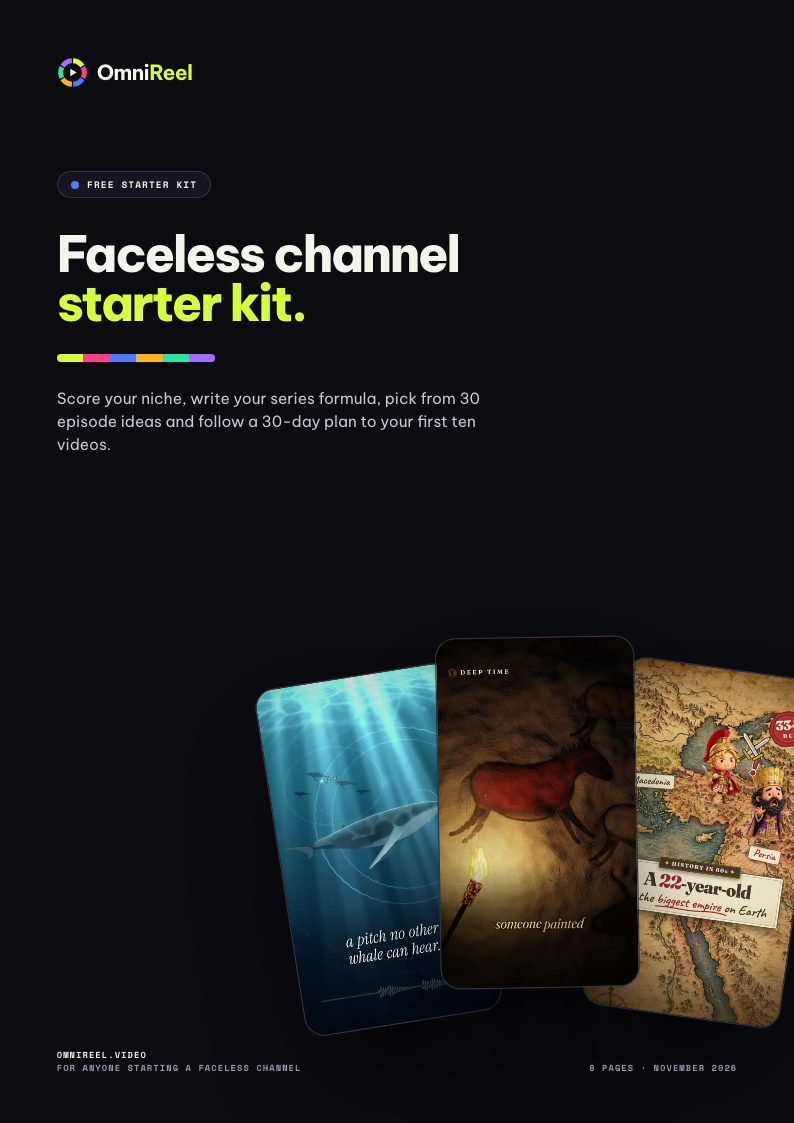
The starter kit below is the working set for this plan: a niche scorecard, a series sheet, 30 episode ideas across five niches, scripts for a 5-minute episode and a 45-second Short, an upload checklist, a 30-day plan and the policy links. To see an OmniReel video before you commit, ask for yours free.
 Free starter kit · 8 pagesFaceless channel starter kitScore your niche, write your series formula, pick from 30 episode ideas and follow a 30-day plan to your first ten videos.Get the free PDF