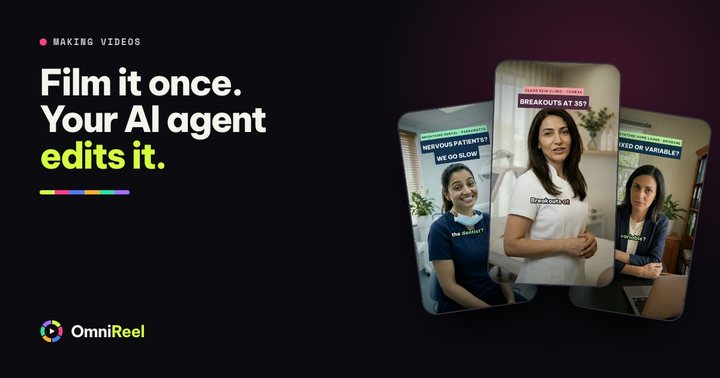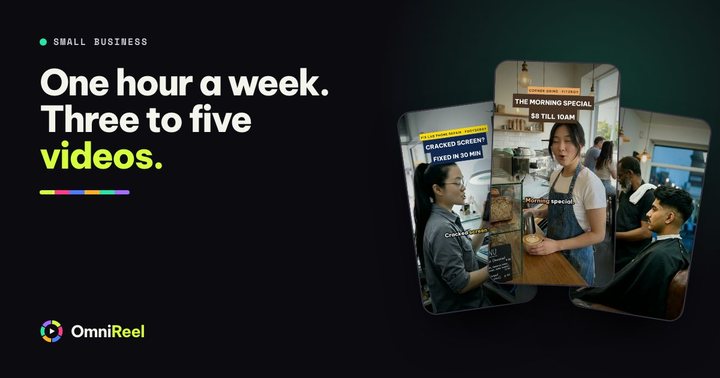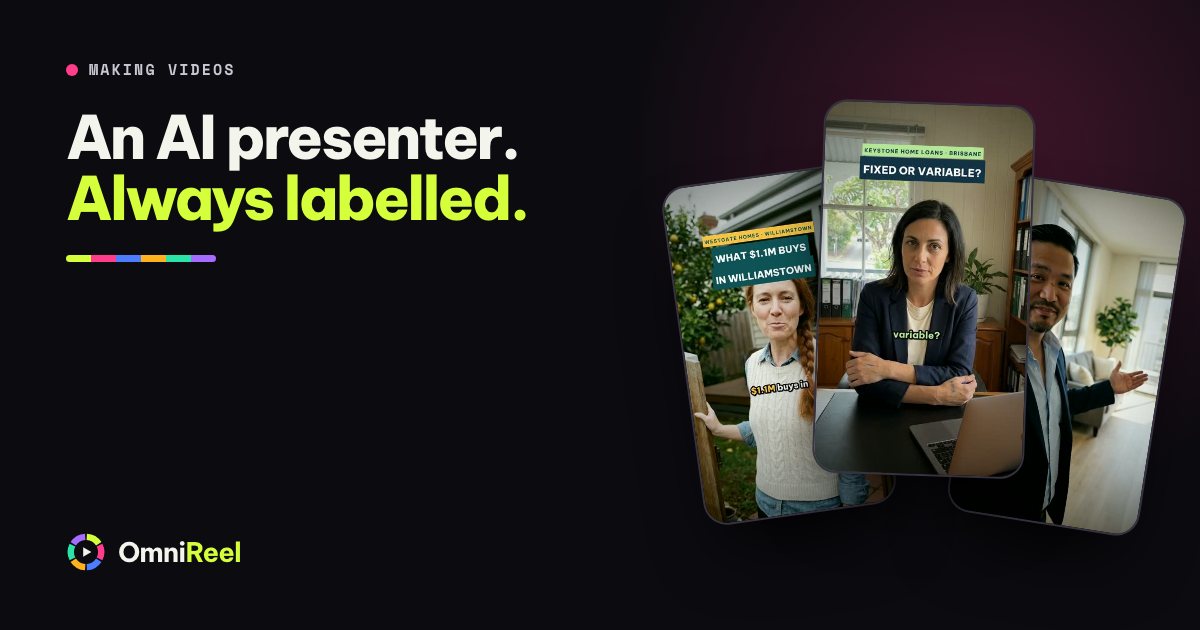
An AI presenter is a person who doesn’t exist, talking to camera. In OmniReel yours has one face, one figure and one voice, so the same presenter appears in every shot. It can stand in a flat or a shop that does exist, or show a product that does, working from photos you supply. Your AI agent writes the lines, you approve them, and the presenter says them.
That is useful, and it is easy to misuse. A presenter can carry facts you have checked. It can’t be you, it can’t be a customer, and it must never leave a viewer thinking it is a real person. This post covers where one earns its place, where it doesn’t, and how to label it on each platform.
What you get
The AI presenter template starts from a few photos of a flat, a product or a shop. One fixed presenter walks through that place and talks to the camera. The template then edits the result: it cuts to each line, adds captions and tags, shows a small inset of the photo each shot was made from, and ends on your call to action. It can also open on your original photos.
A video runs 30 to 60 seconds in five to nine shots. There are twelve industry packs, from flats to cooking, each with a ready-made presenter you can adapt. The footage is made in Google Flow, through your own account.
Where an AI presenter earns its place
Use one when the facts are the star and the face is only the messenger.
- Explainers. One question, one honest answer: “Fixed or variable? Honestly, it depends.” The presenter carries the explanation and the words on screen carry the point.
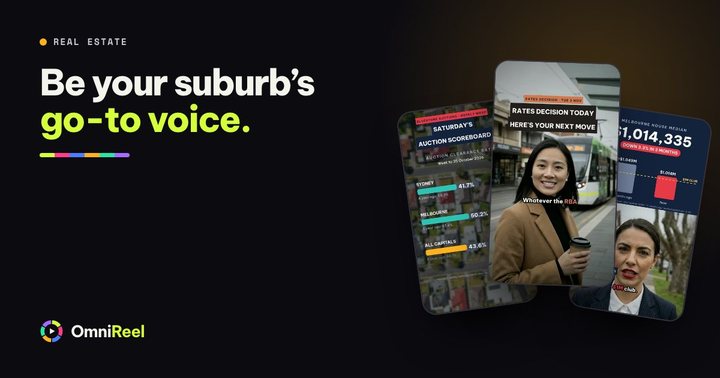
- Market numbers. Put this week’s figure and its source on screen and let the presenter say it. For a weekly routine, read the weekly market update.
- Listing walk-throughs. The presenter walks through the photos of the home. Take the price, size and features from your listing, and check every shot against your photos: rooms, finishes and sizes must match what a buyer finds at the door.
- FAQs and welcome videos. The questions every new customer asks, answered once, in the same calm voice.
- A second language. Projects are English by default. Ask your AI agent for another language and it sets the project up for it. The AI presenter template makes English and Vietnamese videos.
Where it doesn’t
An AI presenter can say your facts. It can’t have your experience, and it can’t be your customer.
| Don’t use one for | Why |
|---|---|
| Testimonials | A made-up customer praising you is a made-up review. The ACCC says reviews should reflect the genuine opinion of someone who used the product or service, and that it is against the law for a business to create fake or misleading reviews. Ask real customers instead. |
| Your own story or opinion | “I’ve sold on this street for twelve years” only means something coming from you. Film yourself and let your AI agent edit the takes. |
| Anything that implies a real person said it | A quote, a street interview with “locals”, a message from “our team”. If viewers would assume a real person said it, a presenter can’t say it. |
| A real person’s likeness | Don’t base a presenter on a friend, a rival or a celebrity. TikTok does not allow AI content that uses the likeness of adult private figures without their permission. Keep your presenter invented. |
Label it, every time
Each platform asks you to label realistic AI-generated video, and each says where. Our reading is that a realistic AI presenter falls under all three rules below. They are as published on each help page in November 2026. Platforms change them, so read the page before you post.
| Platform | What it asks | Where to switch it on |
|---|---|---|
| Instagram and Facebook | Label photorealistic video and realistic-sounding audio that is digitally created or altered. Meta may add a label itself, and says there may be penalties when a required label is missing. | When you create the post, Reel or Story. Read Instagram’s label page and Meta’s AI content page. |
| TikTok | Label AI-generated content that contains realistic images, audio or video. That includes entirely AI-generated videos of real or fictional people. | Turn on “AI-generated content” under More options before you post. TikTok says the setting won’t affect distribution if the video follows its Community Guidelines. TikTok’s page. |
| YouTube | Disclose AI-generated or altered content that seems realistic, including a realistic scene that didn’t actually occur. | In YouTube Studio, under Attributes, set “AI use” to Yes. YouTube says disclosing alone won’t limit a video’s audience or its eligibility to earn money. YouTube’s page. |
Two more points from those pages. An AI voice counts: Meta’s own examples include a Reel narrated by a realistic AI-generated voiceover, so an animated video with an AI narrator is worth labelling on Meta too. And paid ads follow their own rules (Meta’s page says labelling is different for ads), so read the ad policy before you boost one.
Your own filmed takes, cut and captioned by your AI agent, are real footage of you with ordinary edits. They need no label.
Say it on the video, too. Put “AI presenter” in a corner for the whole video, and add a line to the caption such as “Our presenter is AI-generated.” OmniReel’s AI presenter template already shows “Made with AI” in the top-left corner of every shot, and its rules say to leave it on.
Give your presenter a series
An AI presenter works best as a regular, not a one-off. A viewer who meets the same presenter every Monday learns the series, and a new face each week gives them nothing to remember. Your AI agent can reuse the same presenter for every video of the same business, so the face, figure and voice stay the same.
- Give the series a slot
Monday’s numbers, Thursday’s questions. A fixed slot is what turns videos into a series.
- Keep the look the same
One presenter, one outfit, one set. Change the topic, not the person.
- Introduce the presenter once
In the first video, say it is an AI presenter and what the series covers. After that the tag and the platform label do the work.
What it costs, in words
Each shot is one video clip from Google Flow, and each clip uses credits from your own Flow account. A video of 30 to 60 seconds is five to nine shots. Before it makes any, OmniReel shows you the script and how many clips it needs, and waits for your OK. Fully automatic still stops to ask before it spends Flow credits.
The presenter’s voice comes with the clip. Voice-overs on videos without a presenter run through your own ElevenLabs account. OmniReel charges nothing per video, and animated videos and your own edited takes use no Flow credits. What you need lists the accounts.
Your next step
The PDF below is a set of one-sentence briefs: the sentences you hand your AI agent to get a video made. Copy one that fits your business, swap in your details and ask for an AI presenter. Then say so on the video, in the caption and in the platform’s own label.
Make a 40-second vertical video with an AI presenter who walks through the flat in the photos in my folder, room by room, and ends on my phone number. Keep the AI label on.
Want to see a video made first? Tell us what you sell and we make your first one free. Real estate agents can also see reels made this way.
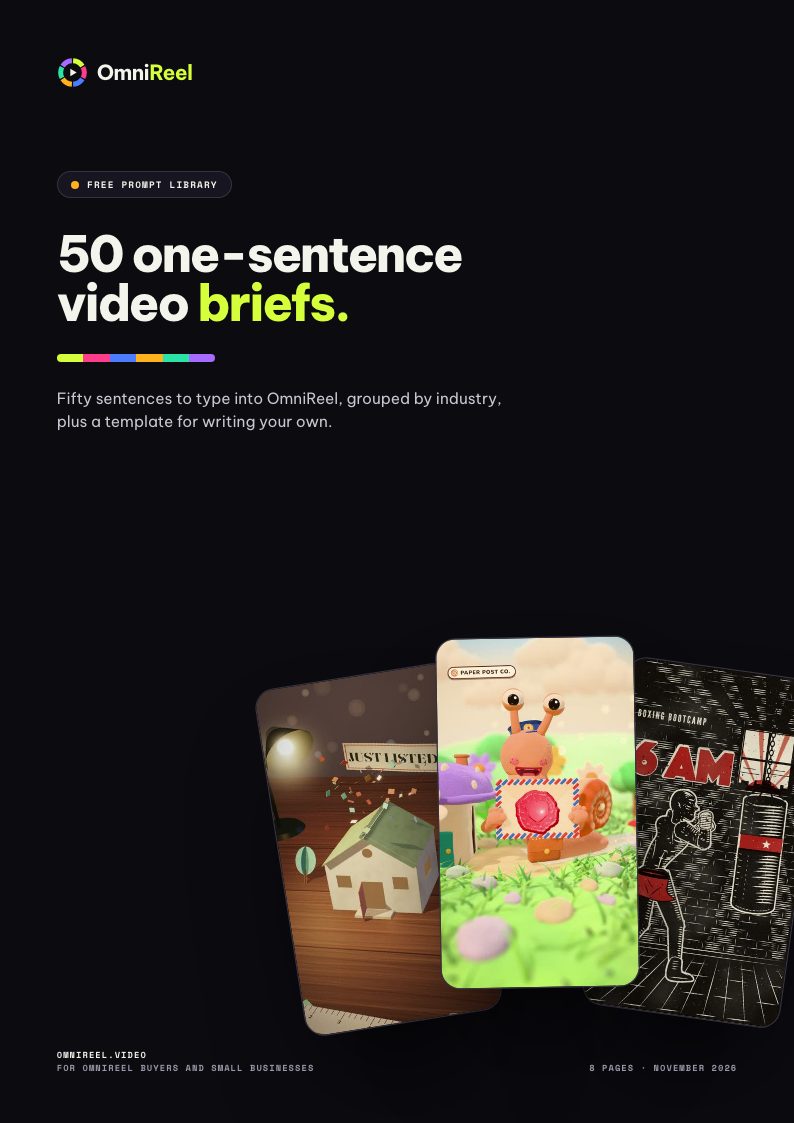 Free prompt library · 8 pages50 one-sentence video briefsFifty sentences to type into OmniReel, grouped by industry, plus a template for writing your own.Get the free PDF