The coffee machine needs descaling and the roster has a hole on Saturday. Video sits at the bottom of that list, so it happens in bursts: three posts in a week, then a gap, then a guilty photo of a latte a month later.
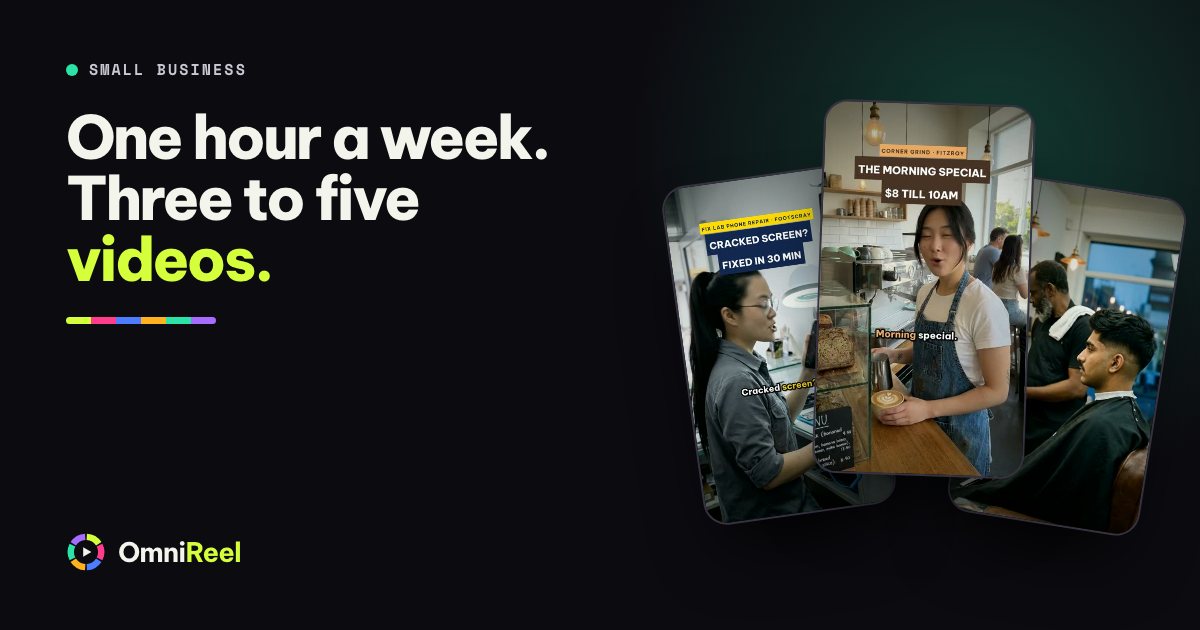
A plan fixes that by making video small and fixed. Give it a single hour, the same hour every week, and run the hour as four jobs in a set order. The plan below is built for three to five videos a week from that hour, and it is the same for a café, a clinic, a gym, a florist or a garage. You decide what goes out. Your AI agent does the cutting, the captions and the videos that need no camera.
The hour, in four jobs
Put the hour in your diary like an appointment. Before opening on Monday works well, because nothing has gone wrong yet.
- Pick the week’s videos (10 minutes)
Choose four or five formats from the menu below and write one line for each: what it says and what you want people to do. Start with the video that has a date on it, such as this week’s offer.
- Brief your AI agent for the camera-free videos (15 minutes)
Two or three videos, one sentence each. Start them before you film: animated ones can run while you are on camera, and AI-presenter ones wait for your OK on the footage.
- Film (20 minutes)
Two videos in one sitting, in the same spot with the same light. Say every line twice and keep rolling.
- Approve and post (15 minutes)
Watch each video on your phone, once with sound and once without. Comment on any frame that is off, press Fix, then approve and post.
The hour is your time, so treat it as a budget. How long a video takes to render depends on your computer, which is why the camera-free videos go first.
Pick from a short menu
The hardest part of a weekly plan is Monday’s blank page. Remove it with a menu of formats that each have a fixed shape, then pick four or five. All you add is this week’s facts.
| Format | What it says | How you make it |
|---|---|---|
| The offer | What it is, what it costs and the last day. | No camera: AI presenter or animated |
| How we make it | One job you do every day, close up, with one line over it. | Film |
| One tip | Something that saves a customer money or time. | Film or AI presenter |
| Myth vs fact | What customers get wrong, then the answer. | No camera: myth vs fact template |
| Top 3 | Three picks, mistakes or questions, counted down. | No camera: top-X list template |
| Meet the team | One person and one thing they are good at. | Film |
| The question | What you get asked five times a week, answered once. | Film or AI presenter |
| Open, closed, booking | Holiday hours, a late night, a free slot. | No camera: animated |
One rule. Before and after? Use photos of your own work. An AI-made “result” is not yours, so never post one as if it were.
Film once, in one sitting
Filming is the one job only you can do, so keep it to a single sitting. Write the lines for both videos first: five to seven short lines each, one thought per line. Then film them back to back in the same spot. Say every line twice, and if you fluff one, pause and start it again without stopping the recording. Your AI agent picks the best take of each line and cuts the gaps. Wear a different top for the second video and the two look like different days.
Here is a filmed “one tip” from the garage’s week in the table further down: five short lines, 30 seconds.
Before you ring a garage, write down three things.
When it happens: a cold start, or after twenty minutes of driving.
Where you hear it: the front, the back, or under your feet.
What changed lately: new tyres, a different fuel, a bump on the kerb.
Booking in? Message us on your number with your three answers.
The full set-up, with light and sound, is in Film yourself once. Let your AI agent do the edit. For the first line of each video, the hooks post has what to say in the opening seconds.
Brief your AI agent for the rest
The other videos need no camera. Pick a template from the template library, or say what you want in one sentence that names the business, the shape, the length, the look and how it ends:
Make me an 8-second vertical reel with an AI presenter for our café’s morning special: any coffee and a banana bread for $8 until 10 am, ending on our address.
Need wording? 50 one-sentence video briefs has fifty to copy, grouped by industry. Your AI agent writes the script and a short preview, then waits for your OK.
Animated videos can run on Fully automatic once you trust the look: set a Budget for the paid steps, such as the voice-over, and your AI agent carries on to the final video, which you approve. AI-presenter footage always asks first, because it comes from your own Google Flow account and uses its credits. Animated videos use no video credits, so lean on them in a tight week.
OmniReel puts your brand (logo, colours, end card) on every video. The video brand kit worksheet is the page to fill in once. An AI presenter is an AI-generated person, not you and not your staff, so don’t introduce them as part of your team.
Label the AI ones. Instagram, Facebook, TikTok and YouTube ask you to label realistic AI-generated video: see the help pages from Meta, YouTube and TikTok. Switch the label on for AI presenters and for realistic AI voices. Your own takes, cut and captioned by your AI agent, need none.
One week for five businesses
Here is one week for each of five kinds of business: two videos filmed in one sitting and two made without a camera. Add a fifth from the menu if the hour has room.
| Business | You film | Your AI agent makes |
|---|---|---|
| Café | “How we make the morning special”, close on the machine. “Why we bake at 5 am”. | The offer: coffee and a banana bread for $8 until 10. A latte-art loop for the feed, animated. |
| Dental clinic | “What happens at your first check-up”. “Why we go slow with nervous patients”. | Myth vs fact: “brushing harder cleans better”. Holiday opening hours, animated. |
| Gym | “Your first class: what to wear, where to park”. “One warm-up move people skip”. | “First class free, bring a mate”, with an AI presenter. This week’s timetable, animated. |
| Florist | “Wrapping a bouquet”, hands only, no face needed. “What’s in the buckets this week”. | “Pre-orders close Friday”, as an Art Nouveau poster. Three ways to make a bunch last, with an AI presenter. |
| Mechanic | “Three things to tell us before you ring”. “What a logbook service covers”. | “Why we show you the worn part”, with an AI presenter. This week’s free slots, animated. |
Count what turns into business
Views are the easiest number to check and the one that tells a small business least. A café that hears “I saw your reel” three times in a week has learned more than one with a big view count and no new faces. Count these by hand, once a week:
- Messages and calls that mention a video. Write down their words: they are your next hook.
- Bookings and orders. Ask every new customer “How did you hear about us?” and keep a tally by the till.
- Questions people ask in the comments, in messages and at the counter. Each one is a video.
- Videos saved or shared. People keep what they plan to use.
- Views, last, for the record.
Write the numbers on the tracker page of the PDF below every Friday. After four weeks you can see which formats bring messages and which don’t, and drop the second kind.
When a week goes wrong
Some weeks the hour won’t happen: a sick child, a broken oven, a stocktake. Build for that week, because it is coming.
- Make one video, not none. The minimum week is the offer or the opening hours. It has a date on it and needs no camera.
- Keep two spares. A tip and a how-we-make-it video that never go out of date, saved in a folder for the week you miss.
- Don’t catch up. Skip the missed week. Filming eight videos on a Sunday night to catch up is how a plan stops.
- Move the hour, don’t drop it. If Monday falls through, take the same hour on Wednesday.
Your next step
The PDF below is the 30-day calendar: 30 daily prompts for any small business, two planner pages to print and the tracker for the numbers above. Print it, fill in week one and put the hour in your diary.
Not sure what your kind of business can make? The industries page shows templates for more than 60 kinds. Or tell us what you sell and we make your first video with OmniReel, free.
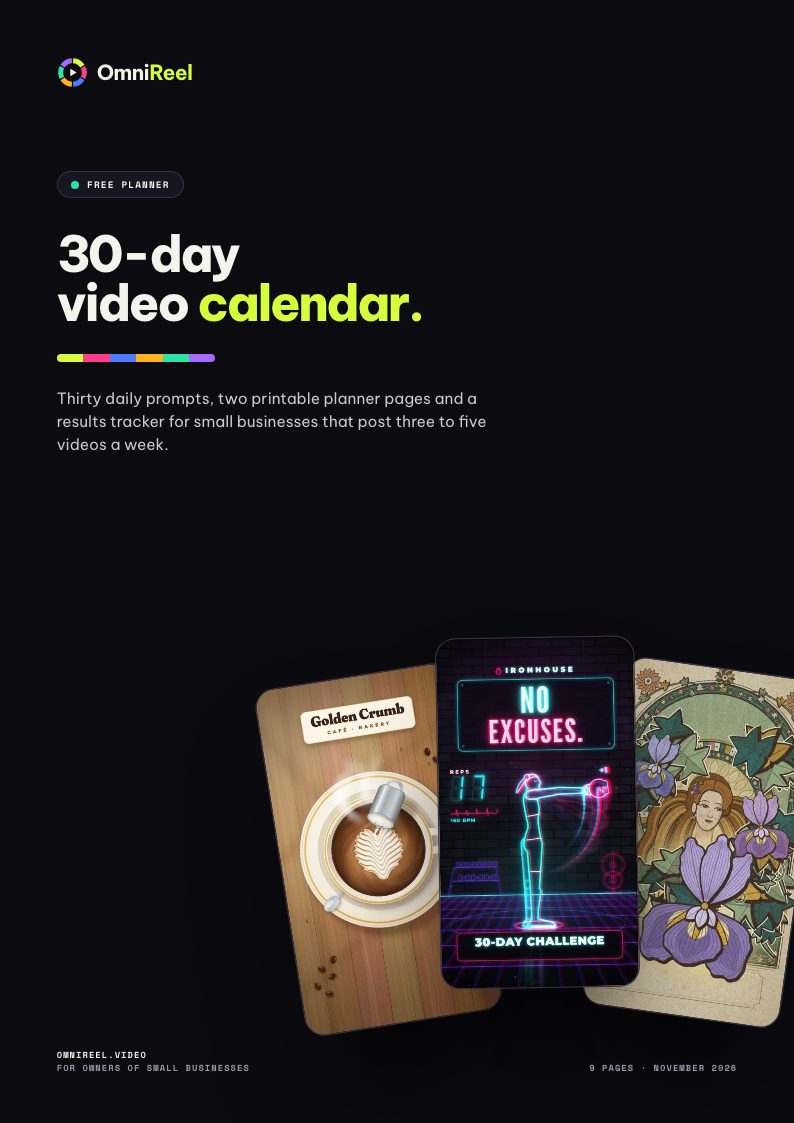 Free planner · 9 pages30-day video calendarThirty daily prompts, two printable planner pages and a results tracker for small businesses that post three to five videos a week.Get the free PDF