Ask a business owner why they stopped posting videos and you rarely hear “I hate the camera”. You hear about Sunday afternoon: fourteen takes on the phone, then three hours in an editing app looking for the good forty seconds, cutting every “um”, typing captions, exporting twice because the logo sat in the wrong corner.
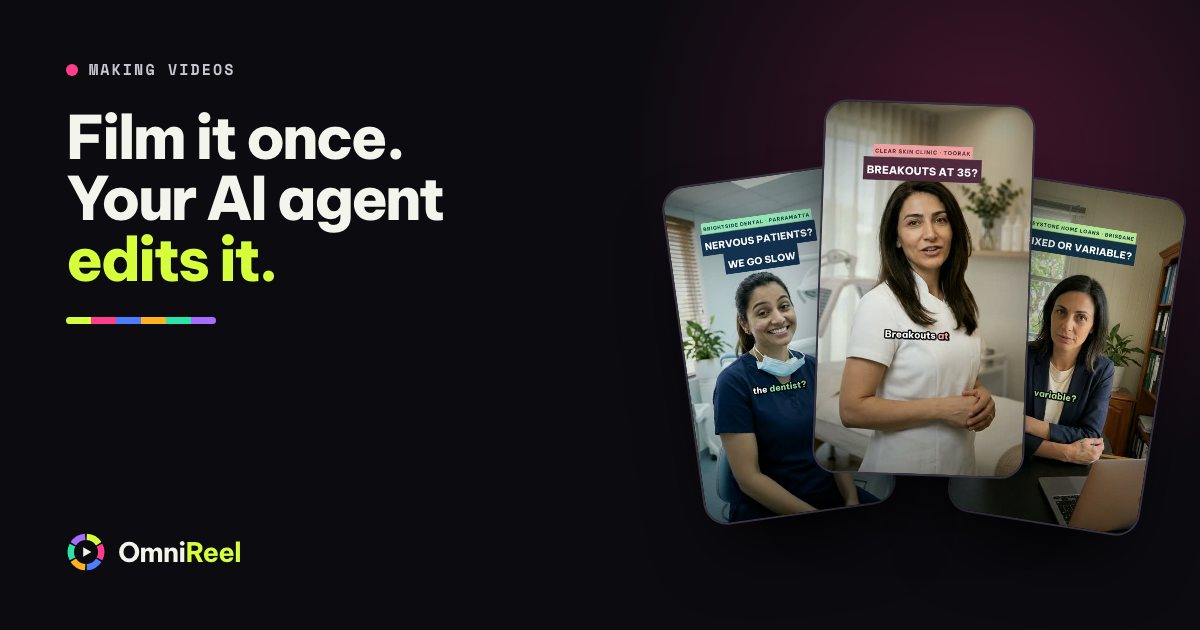
The filming was never the slow part. The edit is. So split the job. You do the part only you can do, which is saying it on camera. Your AI agent does the cutting.
What your AI agent does with your takes
With OmniReel you drop your recording into the studio, or into a folder, and tell your AI agent (Claude Code, Codex or Gemini CLI) what the video is for. It then works through the steps an editor would:
- Transcribes every word and matches your takes to the lines of your script.
- Picks the best take of each line: the one without the stumble, the one where you looked at the lens.
- Cuts the pauses, false starts and “ums”, so the video moves at the pace of a good conversation.
- Adds captions timed to your words.
- Puts your photos or figures on screen when you mention them: the listing, the product, this week’s number.
- Ends on your brand card with your logo, your number and the next step.
- Hands you an MP4 and a CapCut project, in case you want to touch it up by hand.
You stay the director. You approve the script before you film and the cut before anything goes out. If a cut feels wrong, say which line and why (“use the second take of the first line, it’s warmer”) and your AI agent re-cuts that part and keeps the earlier version.
Film it so the edit is easy
Your AI agent can only pick the best take if there is a good one to pick. These five habits make the difference, and none of them needs new gear.
- Write one thought per line
Short lines, each a full sentence you can say in one breath. Five to eight lines is plenty for a 45-second video.
- Say each line twice
Read a line, pause, say it again. Two takes of every line gives your AI agent a choice, and the second one is usually better.
- Leave a breath between lines
Stop for a second or two before the next line. Clean gaps make clean cuts.
- Fluffed it? Keep rolling
Don’t stop the recording and don’t apologise to the camera. Pause, then say the whole line again from the top.
- Look at the lens, not the screen
Phone at eye level, about an arm’s length away. A sticky note next to the lens reminds you where to look.
Light, sound and framing in ten minutes
Viewers forgive a plain background. They don’t forgive bad sound. Get these right once, in one spot, and reuse it every week.
| Do this | Not this | |
|---|---|---|
| Light | Face a window or a soft lamp, so the light falls on your face. | A bright window behind you: it turns you into a silhouette. |
| Sound | A clip-on mic, or the phone within a metre, in a room with curtains, a rug or a couch. | Kitchens, bare rooms and cars with the air-con on: echo and hum. |
| Framing | Eyes about a third from the top of the frame, a little space above your head. | The phone in your hand, below your chin. |
| Shape | Upright for Reels, TikTok and Shorts. Sideways for YouTube. | Filming sideways for a vertical video and cropping later. |
| Settings | 1080p or 4K at 30 frames a second, lens wiped clean. | Beauty filters and digital zoom. |
Pick one spot. Same spot, same light, same framing every week. Set-up drops to a minute, and your videos start to look like a series.
A 45-second script you can film today
This is the shape that works for a talking head: a hook in the first second, one idea, three points, one next step. Fill the gaps, read each line twice, and you have your takes.
Before every open home, I fix three things. None of them cost a cent.
The front door. If it sticks or squeaks, buyers notice it before they notice the kitchen.
The smell. Fresh air beats candles, so the windows open an hour before.
The light. Every blind up, every lamp on, even at midday.
Get those right and buyers walk in already liking the place.
Selling in your suburb? Message me for the full checklist.
Swap the topic for your own business. A café owner might cover three signs a flat white was made in a hurry, a physio three stretches that undo a day at a desk. The shape stays the same.
Tell your AI agent what you want
When the takes are in, one sentence does the rest. Say how long, which shape and how it should end:
Edit my takes in the footage folder into a 45-second vertical video: best take of each line, cut the pauses, captions on, my listing photos when I mention them, and end on my logo and phone number.
Your AI agent reads the takes, shows you the cut and waits for your OK. Changing your mind takes one sentence: ask for a different take, a shorter ending or the captions higher up, and it cuts again.
Check these before you post
Watch it once with sound and once without, on your phone, the way your viewers will.
- The first second gives a reason to keep watching.
- Names, suburbs and prices in the captions are spelled right.
- The number and handle on your end card are current.
- The sound is clear on a phone speaker at half volume.
- It still makes sense with the sound off, because the captions carry it.
Days you don’t want to film
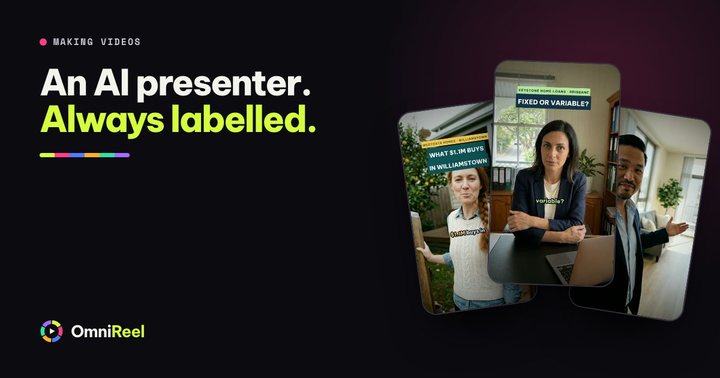
Some weeks you won’t want to be on camera, and that’s fine. OmniReel also makes videos without you in them: an AI presenter, who is clearly not you, or an animated video made from one sentence.
A good mix: film yourself for the videos where trust matters most (who you are, what you think, the results you got for a client) and let AI presenters and animation carry the weekly formats, like tips, numbers and explainers. Instagram, Facebook, TikTok and YouTube ask you to label realistic AI video, and Instagram and Facebook ask the same for realistic AI audio, so switch the platform’s AI label on when you post an AI presenter or a lifelike AI voice-over. Your own takes, in your own voice, need no label.
Your next step
Print the checklist below and keep it next to wherever you film. Record your first takes this week: ten minutes of filming, a few minutes of approving, and the edit stops being the reason you don’t post.
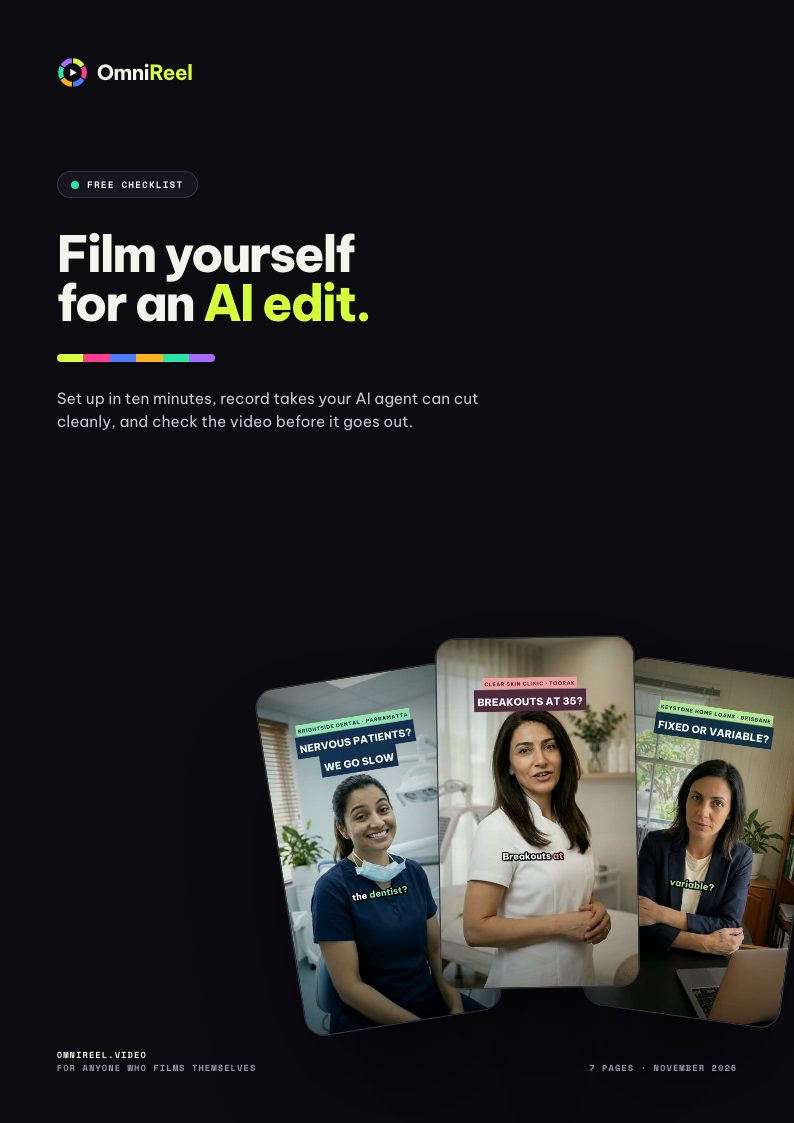 Free checklist · 7 pagesFilm yourself for an AI editSet up in ten minutes, record takes your AI agent can cut cleanly, and check the video before it goes out.Get the free PDF