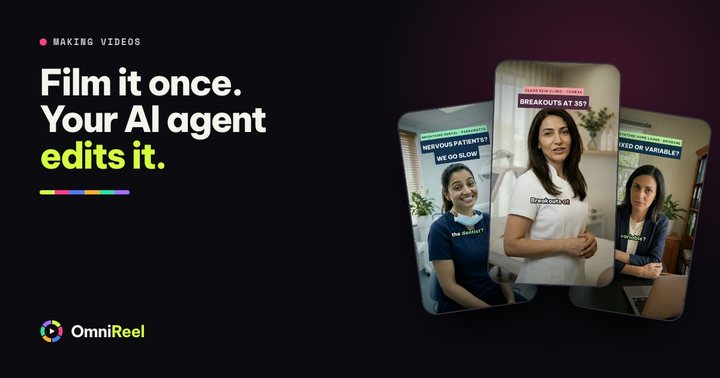
Picture a real estate agent in Parramatta in the first week of a new video plan. She posts a market number on Monday, a tip on Tuesday and a listing on Thursday. In week two there is an open home on Saturday and a settlement on Tuesday, and the feed goes quiet. The ideas were fine. The edit needed a free Sunday afternoon, and there wasn’t one.
A system takes the daily decision away. You settle once what goes out each day, who makes each video and what you check before it goes live, and the week runs on that plan. This post is that plan, written for real estate agents in Australia.
Why a system beats motivation
Motivation comes and goes with the week you are having. A system does not care about your week. It takes three decisions off your plate for good, so posting stops depending on how Wednesday went.
- Decide the week once
Seven days, seven kinds of video, the same every week. You never stand in the kitchen asking what to post today.
- Film once, then make the rest
One session of about 20 minutes covers the videos where your face matters. Your AI agent edits those takes. The others are made from a sentence.
- Approve, don’t produce
You read each script and watch each cut. Your AI agent (Claude Code, Codex or Gemini CLI) does the production on your own computer.
A week that runs itself
Seven days, seven jobs. Each video does one thing for you, so after a month you can see which jobs bring in messages. Move the days around to suit your open home calendar, and keep the mix.
| Day | Video and what it does for you | How it is made |
|---|---|---|
| Monday | Market number. Makes you the local voice on this week’s figure. | AI presenter or animated chart |
| Tuesday | Buyer or seller tip. Answers one question you were asked this week. | You on camera, or an AI presenter |
| Wednesday | Suburb spotlight. Reaches people who already live there. | Animated flyover or AI presenter |
| Thursday | New listing. Brings enquiries to a property. | Your takes, or an animated reel from the photos |
| Friday | Open home invite. Fills Saturday’s inspection. | You on site, or an animated reel |
| Saturday | Sold or auction result. Shows vendors what you deliver. | AI presenter, or you on camera |
| Sunday | Something personal. Gives people a reason to remember you. | You on camera |
Two of the seven are best filmed by you: the tip and the personal video, because your face does the work in both. The rest can be made without a camera, and any of them can be filmed too. For the market number, see the weekly market update, and for more topics, real estate video ideas.
One filming session a week
Pick a slot you can keep, such as Sunday after the last open home or Thursday before the office fills up. Same spot, same light, a timer set for 20 minutes. You film the videos where your face does the work: Tuesday’s tip, Sunday’s personal video, and a short opening line for each listing or open home. Say every line twice. Your AI agent picks the better take, so the second attempt is a free retake.
Before the timer starts, tell your AI agent the week: the market number and where it came from, the new listing, the open home time. It writes a script for each video, and you change anything that does not sound like you. Camera set-up, light and sound are covered in Film yourself once. Let your AI agent do the edit. When the takes are in a folder, one sentence starts the edit:
Edit my takes in the footage folder into Tuesday’s tip and the Sunday video: best take of each line, cut the pauses, captions on, and end both on my logo and phone number.
Three ways to make each video
Not every video needs you on camera, and some should not be made without you. OmniReel gives real estate agents three ways to make a video, and a good week uses all three.
| Use it for | What happens | |
|---|---|---|
| You film, your AI agent edits | Tips, opinions and results you got for a client: anything where your face is the point | Your AI agent picks the best take of each line, cuts the pauses, adds captions, your photos and your end card. |
| AI presenter | Formats that repeat every week: the market number, a reply, rates day, a result | You type one sentence. An AI-generated presenter, never you, delivers it. You label it as AI when you post. |
| Animated | Videos about a thing, not a person: a chart, a suburb flyover, a listing reel from the photos | You type one sentence and pick a template and an art style. No footage needed. |
A good first AI presenter video is a reply to a comment, because the question is already written for you. AI presenter videos covers when to use one and how to label it.
Reply to this comment: “Is it dumb to buy now if prices are still dropping?” An AI presenter in a car, this week’s figure on screen with its source and date, 30 seconds, vertical, and end on my logo and number.
You approve it, and it looks like you
A video made from a sentence moves through clear steps: the brief, the script, the storyboard, the pictures, the voice, a short preview and the finished video. You approve each one. If you spot a problem in a frame, comment on it and press Fix: your AI agent changes that part and the earlier version is kept. Your own takes work the same way, with your AI agent showing you the cut and waiting for your OK. Nothing goes out without it, and how it works shows each step.
Your brand goes on every video, whichever way it was made: your logo, colours and fonts set once, and an end card with your name and number. Your AI agent also checks how suburb and street names are said before the voice is made, and you can fix a word in plain English.
Check every number. Your AI agent can look up a figure, but you check it against the source page before you approve. Your name is on the video, not your AI agent’s.
Post it, then count what matters
Reels, TikTok and Shorts take upright video (9:16), and regular YouTube videos are sideways (16:9). Choose the shape when you start. A longer market update for YouTube can also come as a vertical cut: ask your AI agent for it and the same story is re-framed for Reels, TikTok and Shorts. Put the hook in the first line of the caption, and switch on the platform’s AI label for any video with an AI presenter.
Views are easy to count and easy to misread. A video with 300 views that brings one appraisal request is worth more than one with 10,000 views and no replies. So every Friday, write down:
- How many messages and calls mentioned a video.
- How many appraisal requests came in, and from which suburb.
- How many people at Saturday’s open home said they had seen a video.
- Which two videos got the most replies from locals.
Then ask every new enquiry one question: “Did you see one of our videos?” Judge the month, not the video. The playbook below has a weekly scorecard for it.
The rules to check first
A video is an ad. Go through these four before the first one goes out, and again every few months, because the rules move.
- Label your AI presenters. Instagram, TikTok and YouTube each ask you to label realistic AI video: see their help pages for Instagram, TikTok and YouTube. Instagram also asks for a label on realistic-sounding AI audio, so check that page if an animated video has a lifelike voice-over. Your own filmed takes need no label.
- Check your state’s price rules. How a price is advertised and a reserve is published is set state by state, and it is changing. Victoria’s new reserve price rules apply to auctions held on or after 16 October 2026 (Consumer Affairs Victoria), and New South Wales starts new price advertising rules on 17 November 2026 (NSW Fair Trading). Treat a video like a listing, and ask your licensee what applies where you work.
- Get the vendor’s OK. Ask before you show a vendor’s home, their result or a photo of them, and keep the yes in writing.
- Name the source and the date. Say which index and which period for every number, on screen and out loud, and end market videos with “General information only, not financial advice.”
Your next step
The PDF below puts the week on one page and adds twelve video formats with a hook for each, a 30-day plan, a plan for the filming session, the rules in one place and the weekly scorecard. Print it, pick this week’s Monday number and put the 20 minutes in your diary.
If you would rather see a video made for one of your listings first, your first video is free: tell us what you sell and we make it with OmniReel and email it to you.
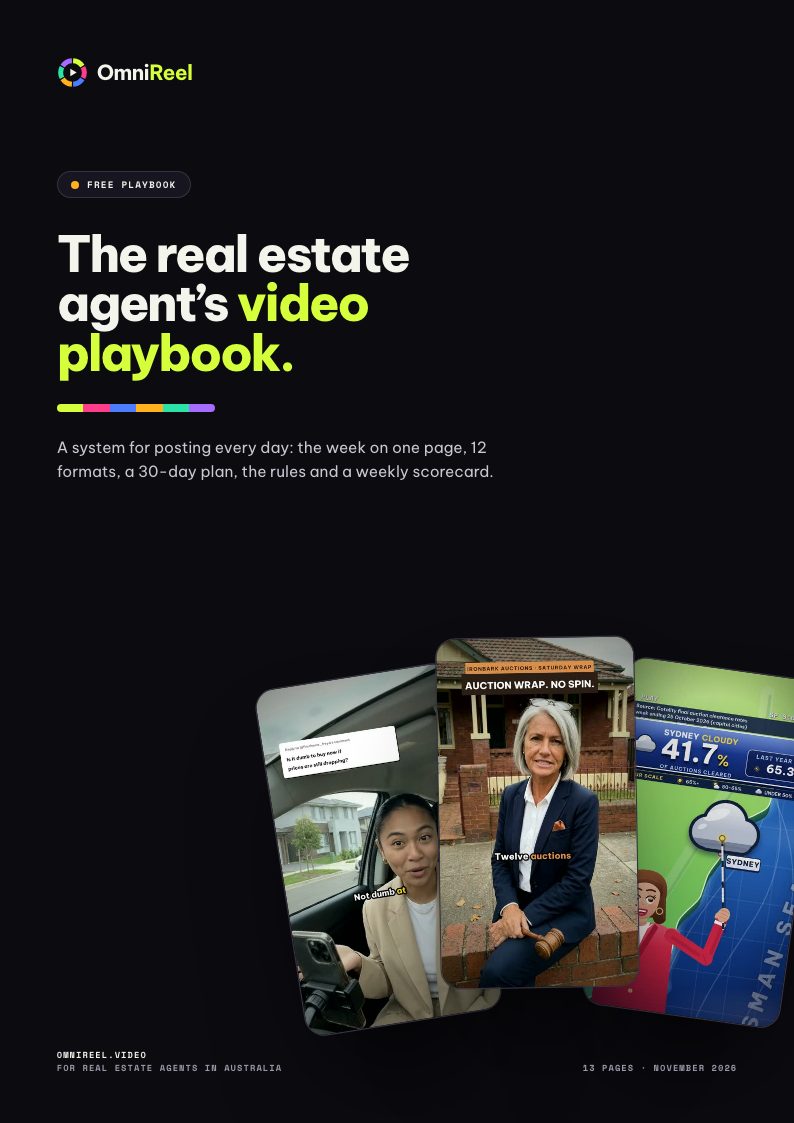 Free playbook · 13 pagesThe real estate agent’s video playbookA system for posting every day: the week on one page, 12 formats, a 30-day plan, the rules and a weekly scorecard.Get the free PDF