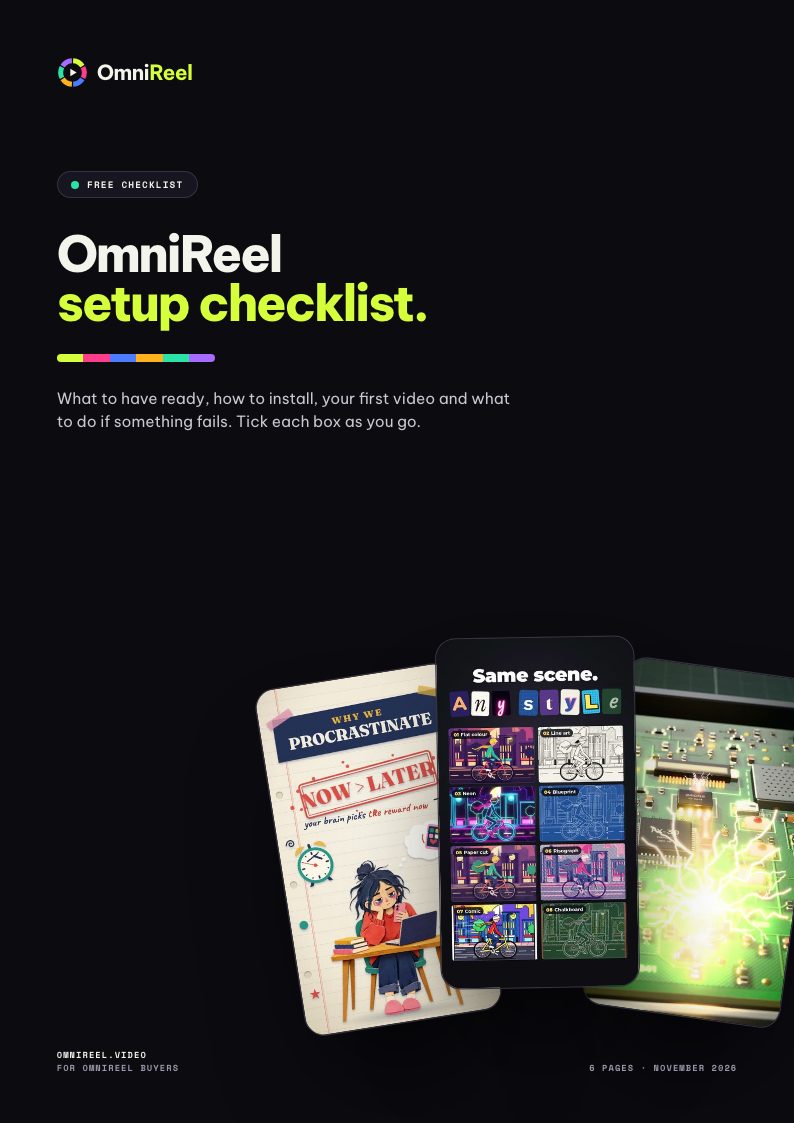
OmniReel setup checklist
Print it and tick the boxes as you go: what to have ready before you buy, the one-sentence install, opening the studio, your first video, and what to do if something fails.
6 pages.
Ready to use.
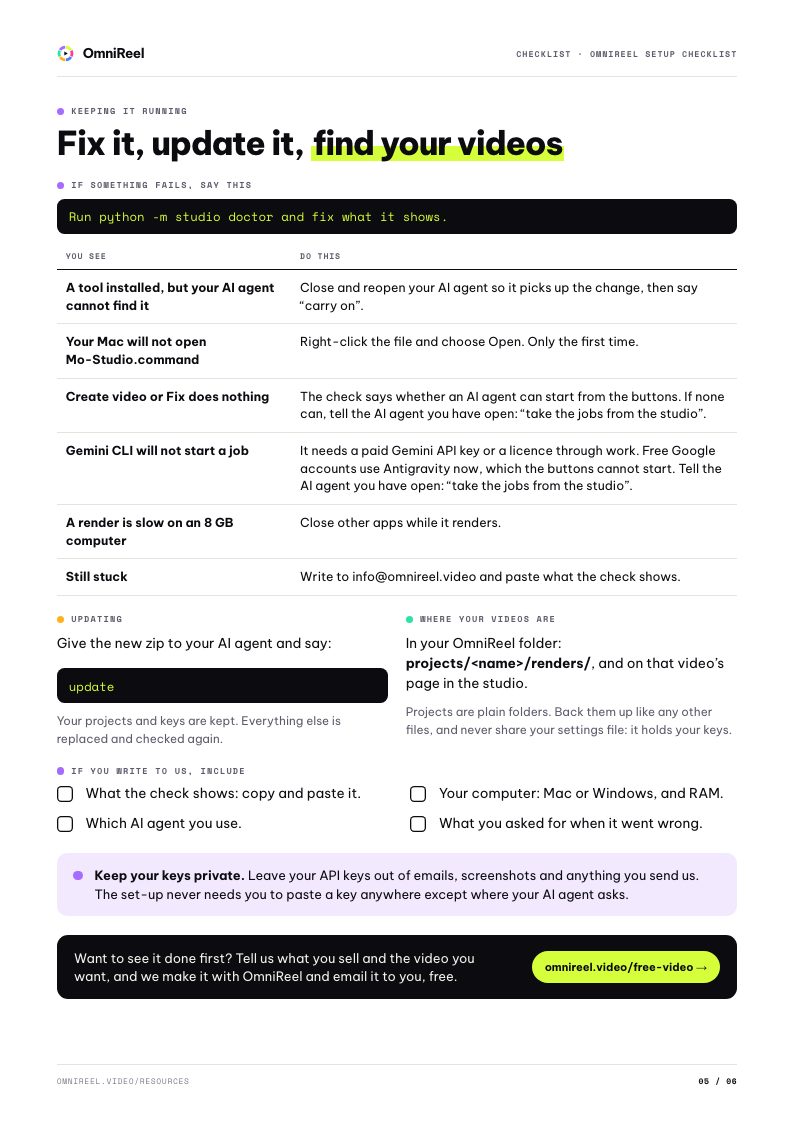
What to have ready, how to install, your first video and what to do if something fails. Tick each box as you go.
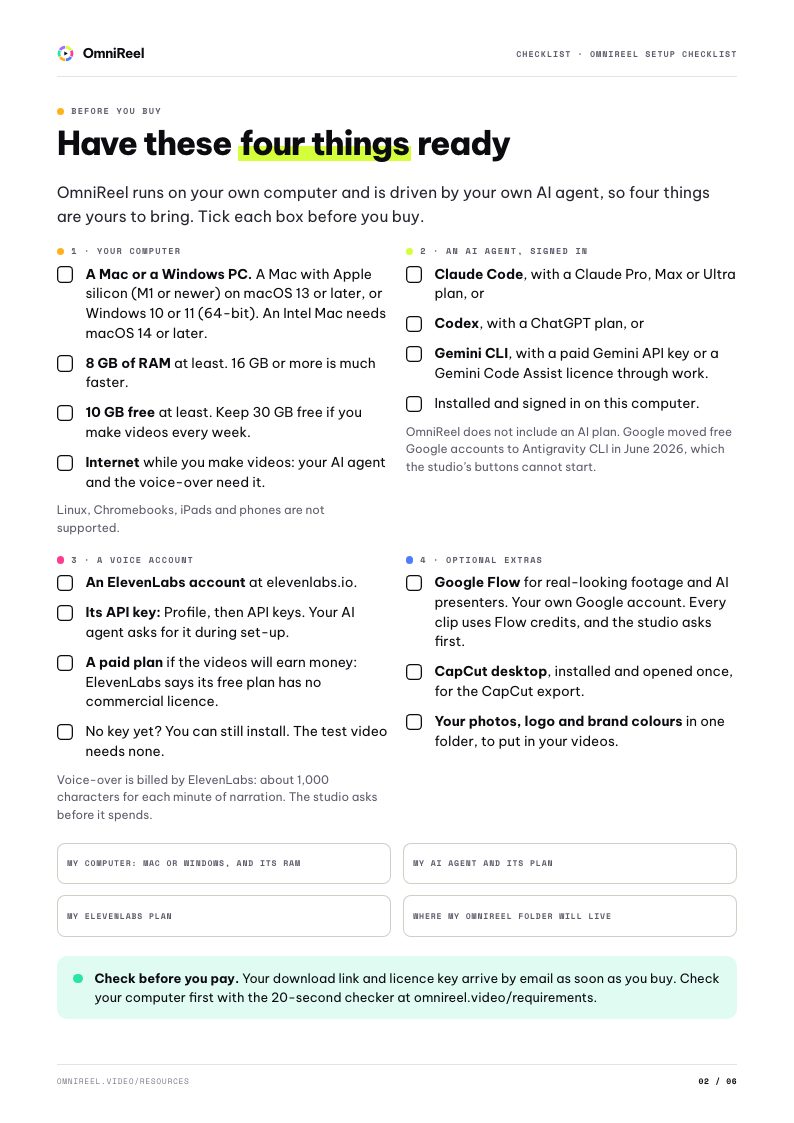
- p.02Have these four things readyBefore you buy
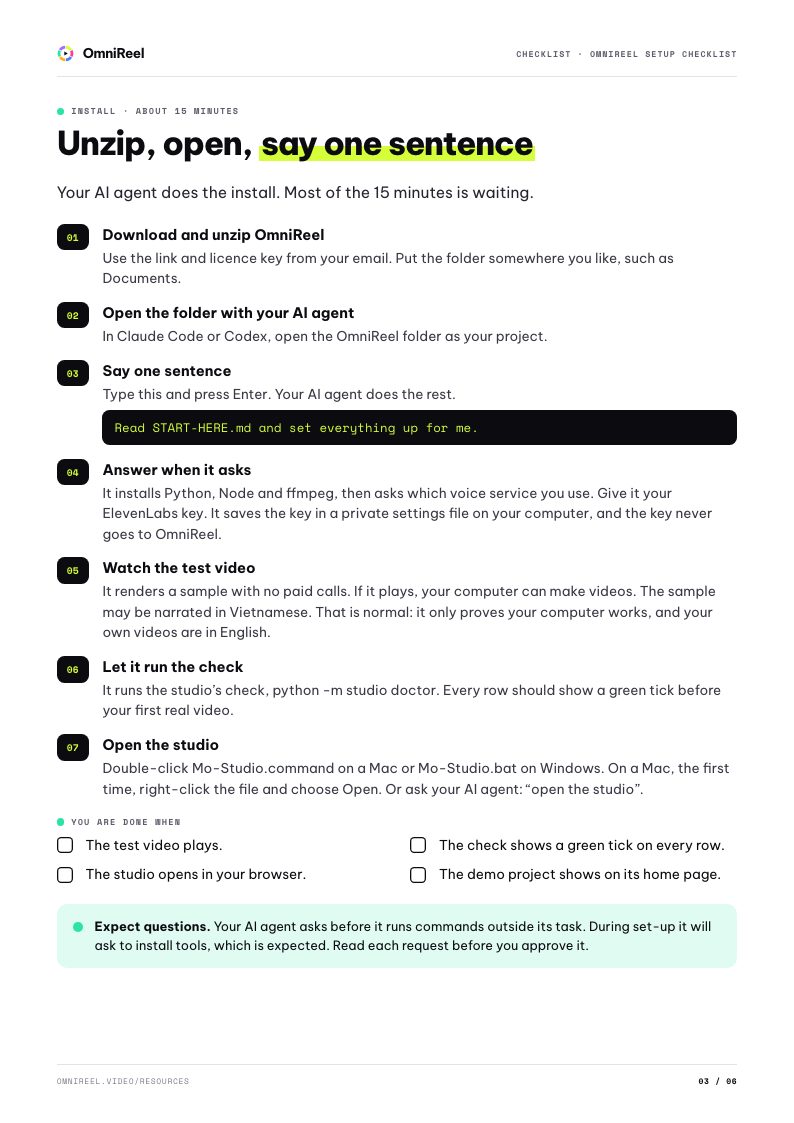
- p.03Unzip, open, say one sentenceInstall · about 15 minutes
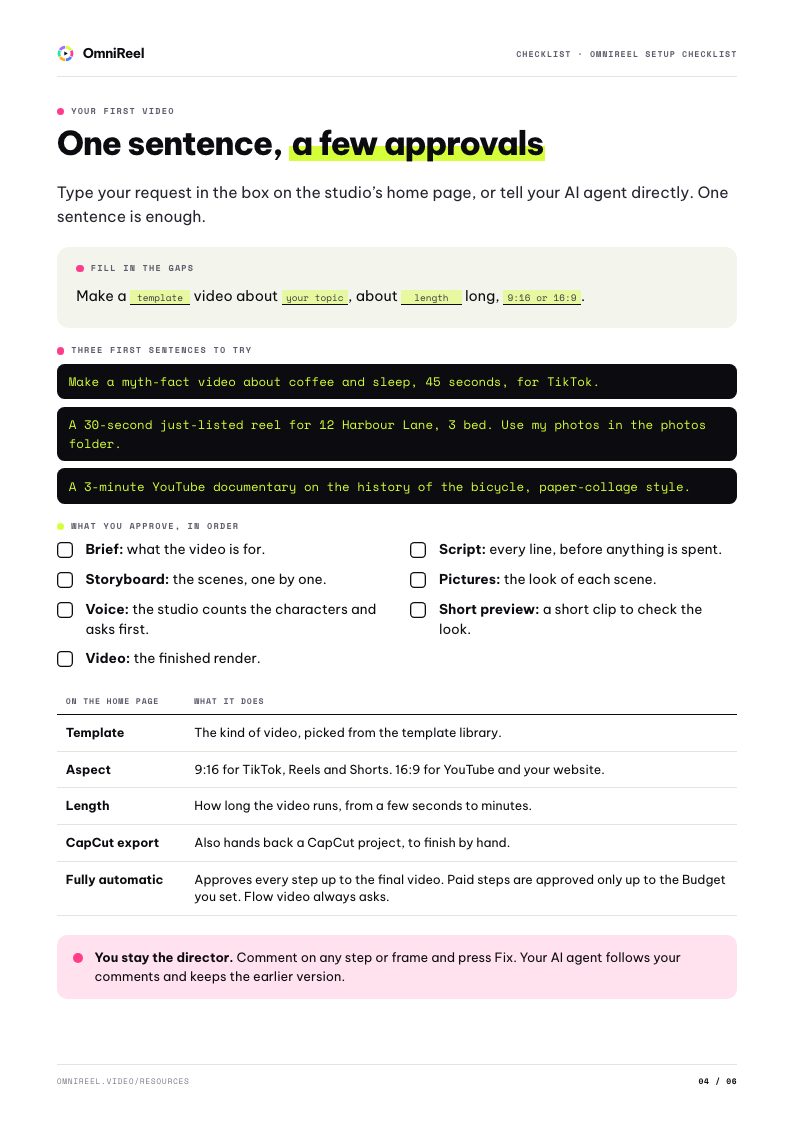
- p.04One sentence, a few approvalsYour first video
- p.05Fix it, update it, find your videosKeeping it running
From the blog.

Claude Code, Codex or Gemini CLI: which AI agent should you use?
OmniReel runs on the AI agent you already pay for. Here is what that AI agent does, what each of the three needs, and how to choose without overthinking it.
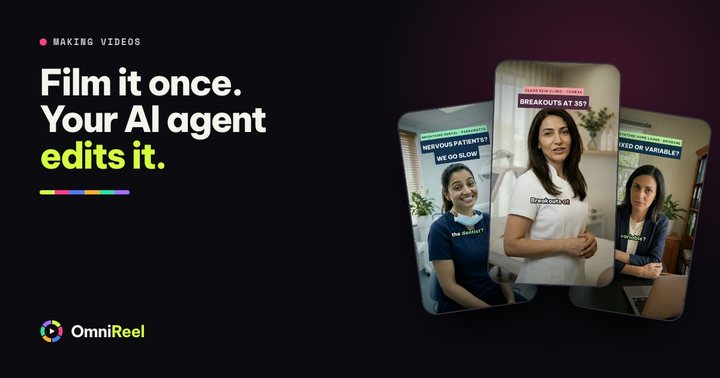
Film yourself once. Let your AI agent do the edit.
Filming takes ten minutes. The edit is what eats your Sunday. Here is how to record so your AI agent can pick the best take of every line, cut the stumbles and hand back a video that is ready to post.
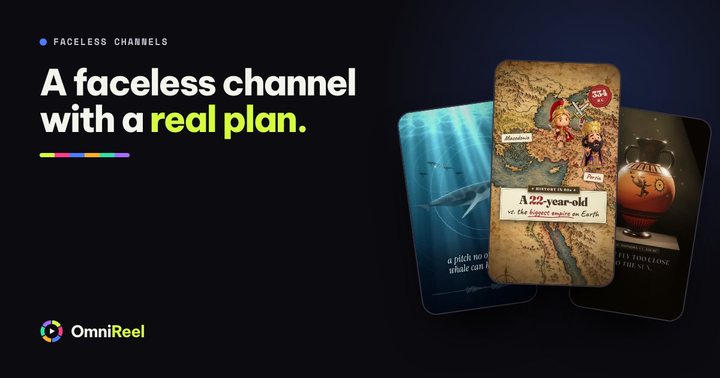
Starting a faceless YouTube channel with an AI agent: a realistic plan
A plan for a faceless channel you can keep going for months: the niche, the series, the look, the voice, YouTube’s rules and your first ten videos. It makes no promises about views.
More free guides.
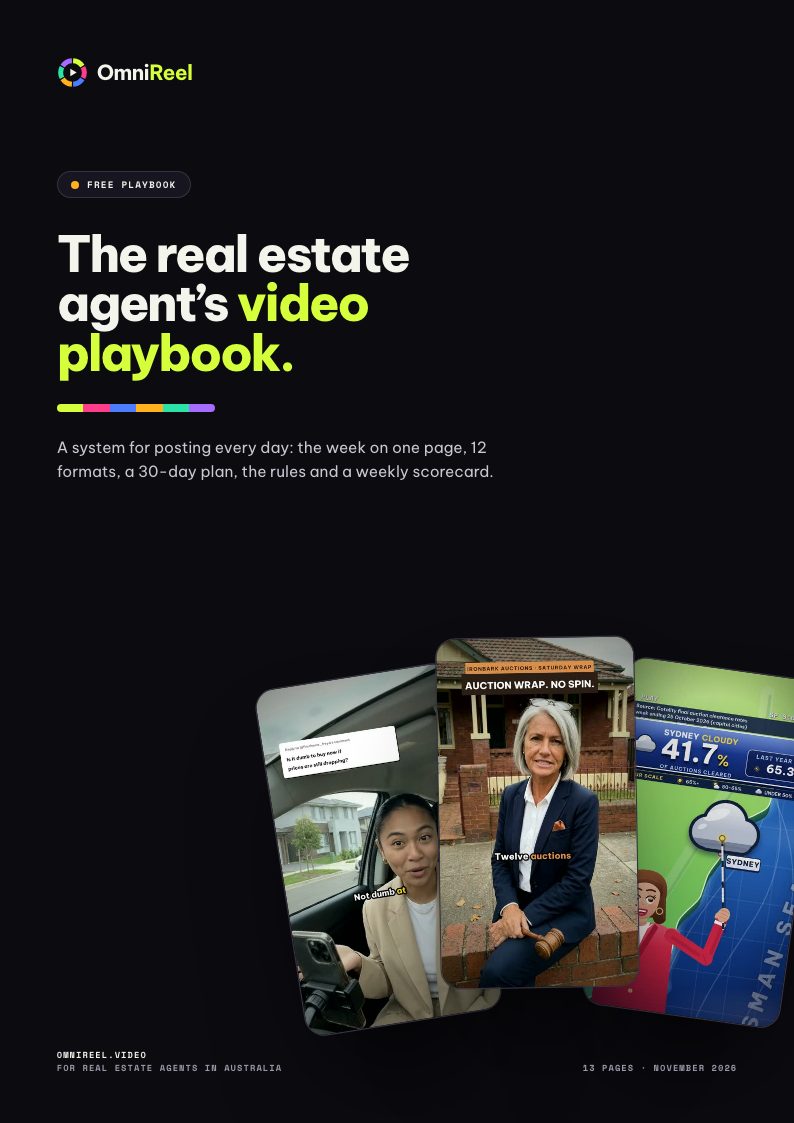
The real estate agent’s video playbook
A system for posting every day: the week on one page, 12 formats, a 30-day plan, the rules and a weekly scorecard.
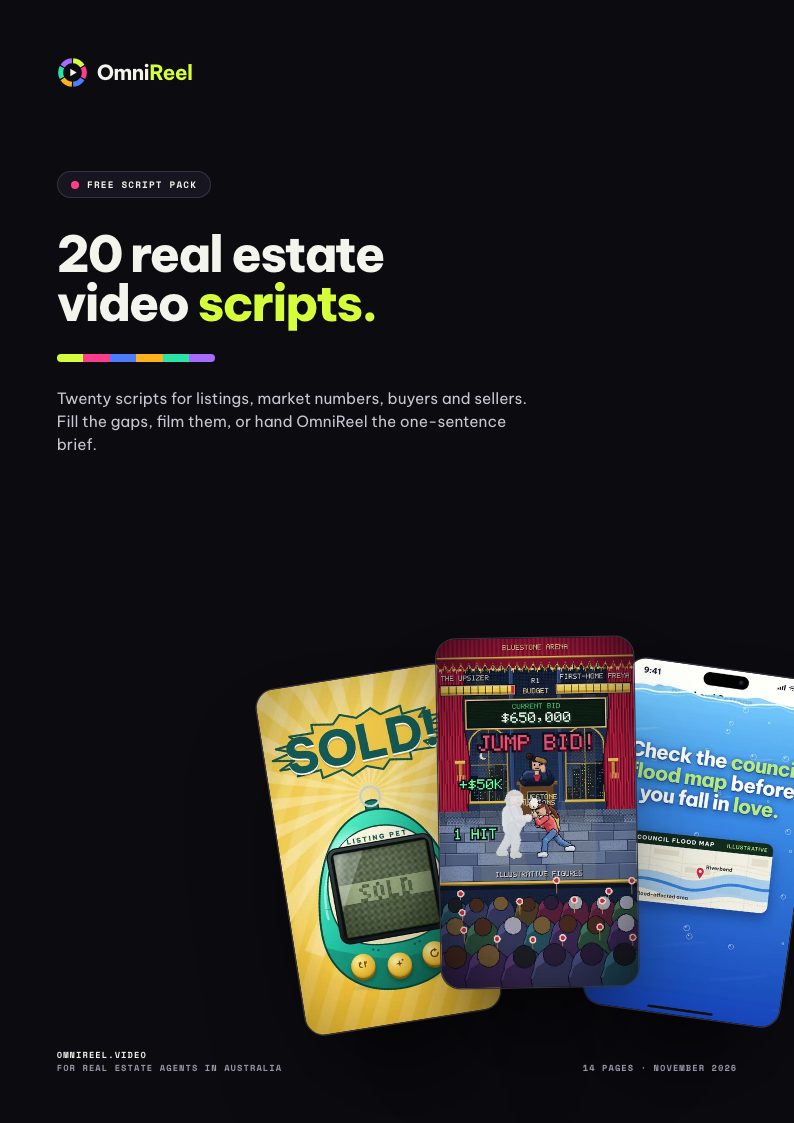
20 real estate video scripts
Twenty scripts for listings, market numbers, buyers and sellers. Fill the gaps, film them, or hand OmniReel the one-sentence brief.
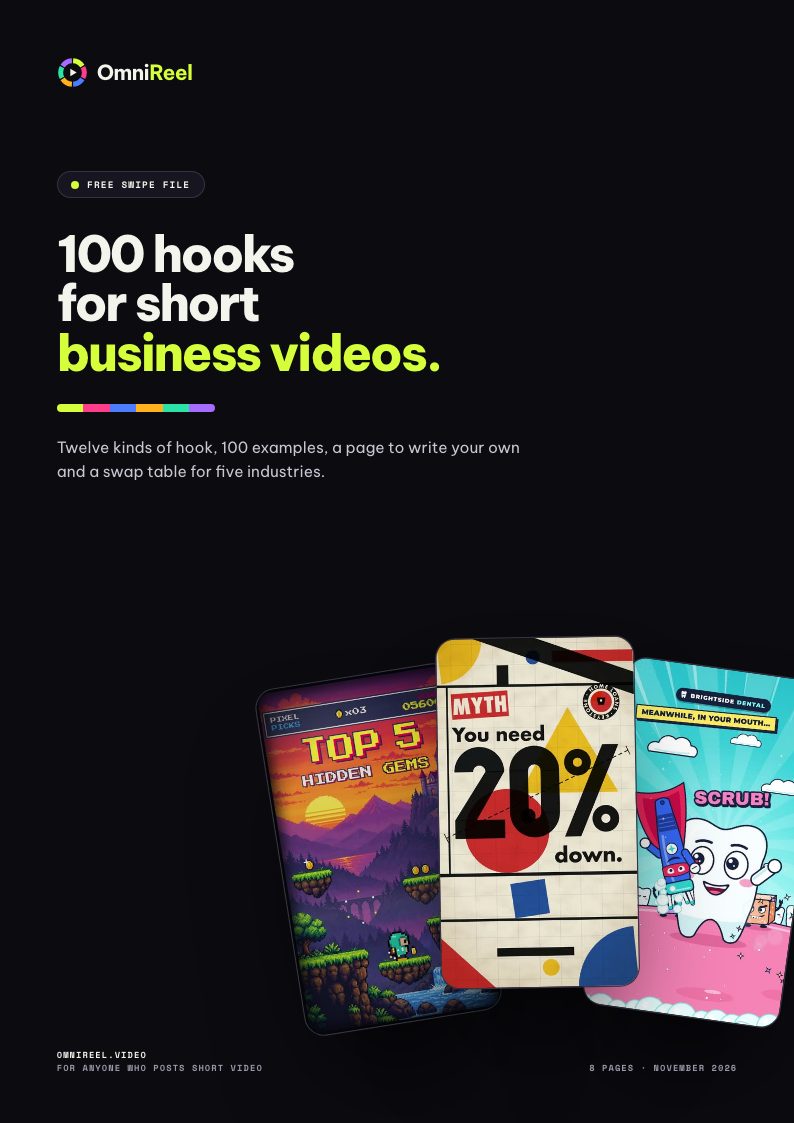
100 hooks for short business videos
Twelve kinds of hook, 100 examples, a page to write your own and a swap table for five industries.
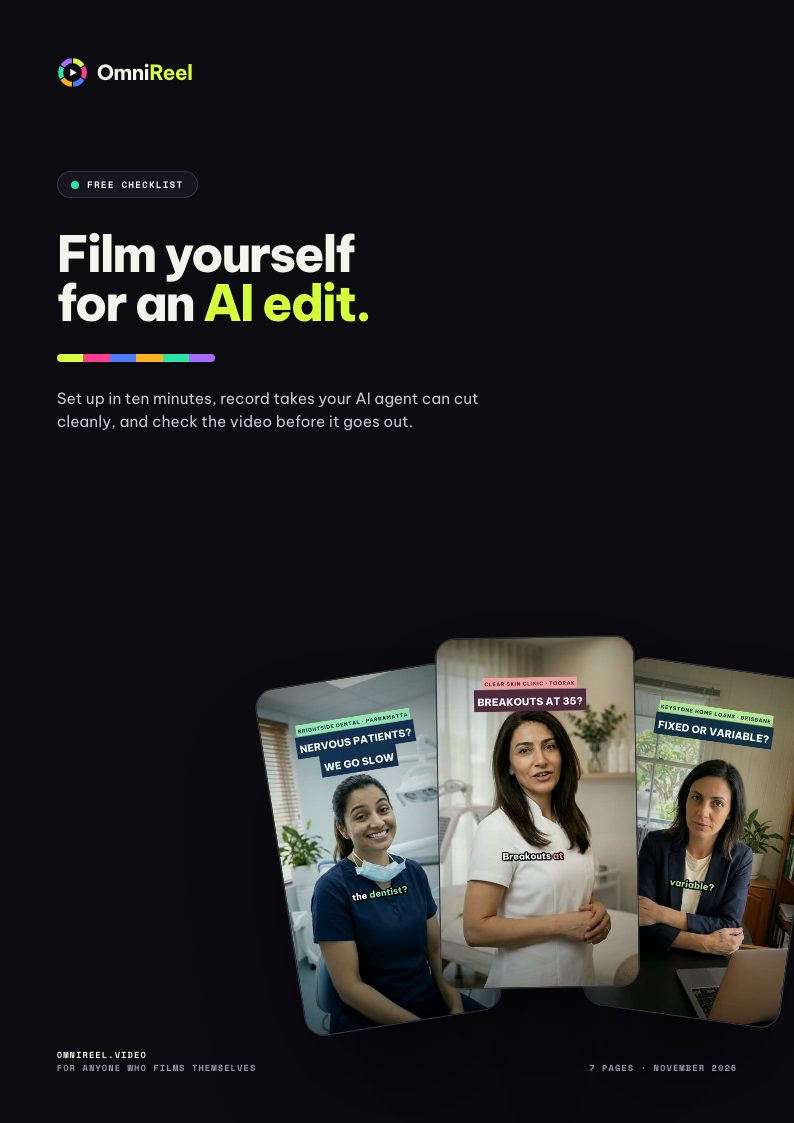
Film yourself for an AI edit
Set up in ten minutes, record takes your AI agent can cut cleanly, and check the video before it goes out.
Your first video is on us.
Tell us about your business, then meet us on a call. We make your video with OmniReel, free. Then decide.
Free. No card needed. One per business.